


-
Search vehicles
Vehicles by Brand
- Direct Import
- Finance Information
- Locations
- Nationwide Delivery
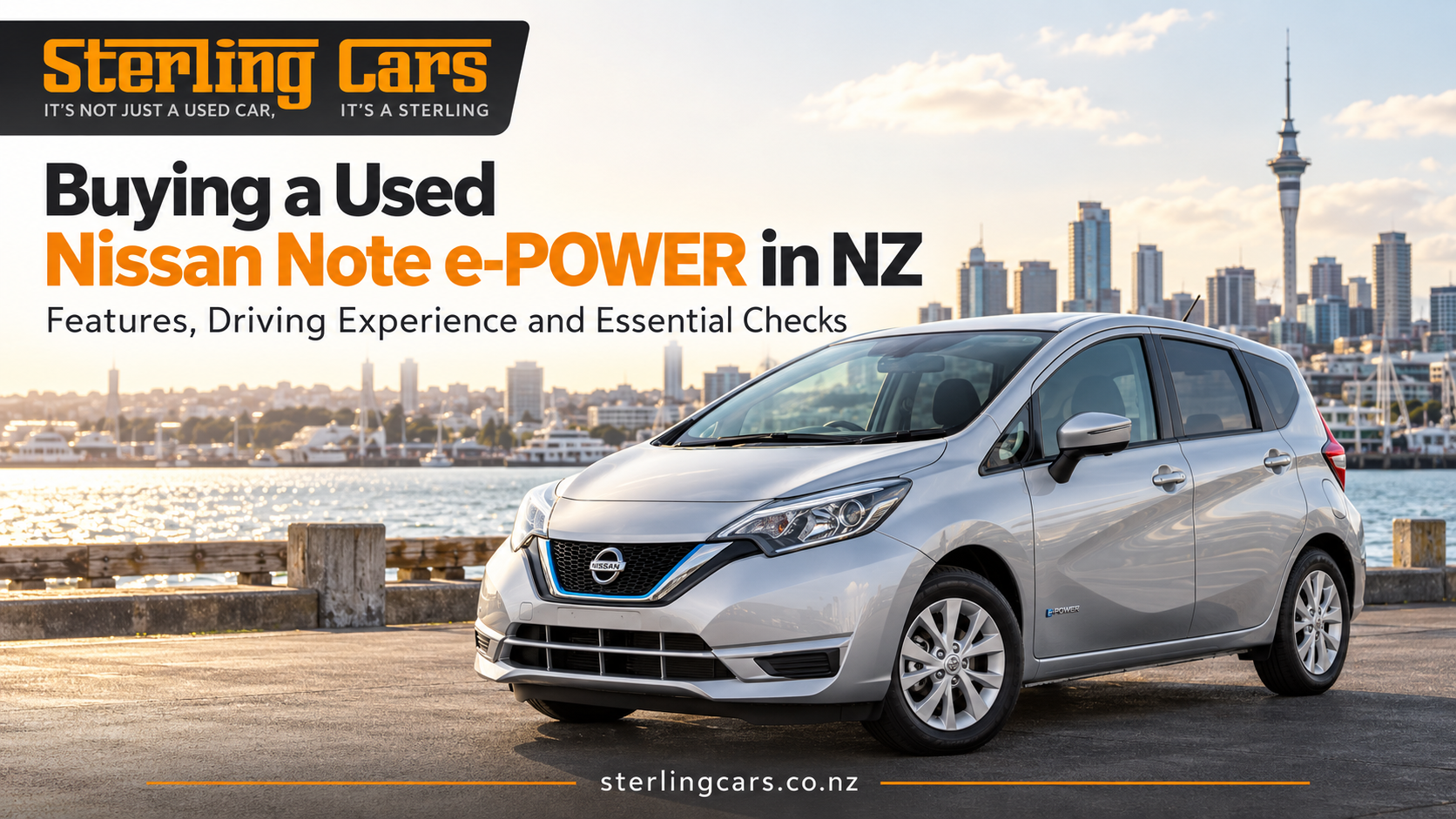
A good everyday car earns its place through the small things: an easy journey to work, enough room for the shopping, comfortable seating and straightforward parking when you get home.
The Nissan Note e-POWER brings an interesting driving experience to that routine. Its wheels are powered by an electric motor, while an onboard petrol engine generates electricity. You fill it with petrol, yet the way it delivers power has a distinctly electric character.
For buyers exploring a used Nissan Note e-POWER in NZ, understanding that system is a useful first step. Choosing the right example also means looking at its specification, condition and suitability for your daily journeys.
At Sterling Cars, our Auckland-based dealership offers a broad selection of used vehicles, with Nissan models forming part of the range. Our website features Note e-POWER listings across different years and grades, giving customers a starting point for discussing their preferences with our team. Availability changes, so contact us about the vehicles currently on offer.
How Does the Nissan Note e-POWER Work?
The Note e-POWER is a petrol-electric hybrid with an electric-drive arrangement.
In simple terms, the electric motor drives the wheels. The petrol engine generates electricity to support the system, rather than mechanically driving the wheels. A battery stores energy for use by the motor.
You do not plug the car into a charging station. Its onboard system manages electricity generation, while regenerative braking recovers energy as the vehicle slows. Nissan introduced e-POWER in the Note in 2016.
For an owner, this means there is no home-charging arrangement to organise. You still need petrol, regular maintenance and an understanding of the car’s controls, just as you would with any vehicle.
What Is It Like to Drive?
Electric-motor response is central to the Note e-POWER’s appeal. Nissan describes the system as delivering responsive acceleration and smooth power delivery.
On your test drive, pay attention to how it responds when moving away from a junction, joining traffic and making small speed adjustments. Give yourself time to become familiar with the accelerator rather than judging it within the first few minutes.
You may hear the petrol engine operating even when the car is stationary or moving slowly. Because the engine’s job is to generate electricity, its sound does not always rise and fall in direct proportion to road speed.
Ask the salesperson to explain normal operation and any available drive modes. Then try the vehicle on roads similar to those you use regularly.
A route that includes suburban streets, a hill and a motorway section can help you assess seat comfort, visibility, road noise and performance under different conditions.
Get Familiar With Regenerative Deceleration
Depending on the version and selected mode, lifting off the accelerator may produce a noticeable slowing effect.
This can take a little adjustment if you are used to a conventional petrol car. Ask for a demonstration of the modes fitted to the specific vehicle and check the handbook for their operation.
Keep the brake pedal as part of your normal driving technique. Do not assume every Note e-POWER has the same deceleration behaviour, stopping function or controls.
The aim of the test drive is to become comfortable with the car’s responses before deciding whether they suit you.
Know Which Generation You Are Viewing
The Note e-POWER has developed over time. The E12-based version arrived in 2016, while the E13 generation followed in 2020 with a newer e-POWER system.
When browsing used examples, confirm the model code, grade and equipment rather than relying only on the registration year.
Generation and specification can affect the cabin layout, displays, controls and available assistance features. Imported vehicles also require careful attention to their original-market specification.
Ask Sterling Cars for details of the exact vehicle you are considering. A clear description makes it easier to understand what is included and prepare useful questions before viewing.
Check Features You Will Actually Use
A feature list is helpful, but seeing the equipment operate is more valuable.
During a viewing, ask the team to demonstrate:
– Reversing cameras, parking sensors or a surround-view system, where fitted.
– Air conditioning and ventilation controls.
– Bluetooth calling and audio functions.
– Keyless entry and starting.
– Cruise control and any driver-assistance features.
– Drive-mode selection and dashboard displays.
Do not assume equipment fitted to one grade is standard across the range.
For a Japanese import, check display language, radio reception and navigation suitability in New Zealand. Connect your own phone and test the functions you expect to use. If smartphone integration matters, confirm exactly what the installed system supports.
Check how many keys are supplied and whether any accessories shown in the photographs are included.
Make Sure the Cabin Fits Your Routine
The best way to judge practicality is to bring your everyday needs into the viewing.
Adjust the driver’s seat first, then sit behind it. Check the space available for your regular passengers and whether getting in and out feels comfortable.
Open the boot and examine the shape of the luggage area. If possible, bring the pushchair, suitcase or equipment you carry most often. Confirm how the rear seats fold and whether the resulting space works for you.
Also consider the less obvious details: cup holders, phone storage, charging outlets and visibility when reversing.
If you use child restraints, check compatibility and installation requirements against the vehicle and restraint instructions.
Essential Checks Before Buying a Used Note e-POWER
Review the Service Records
Ask for the available servicing history and inspection documentation. Look for a clear record of completed work and find out what maintenance is due next.
Although an electric motor drives the wheels, the vehicle still has a petrol engine. Budget for the appropriate engine servicing as well as checks of the wider vehicle and electrical systems.
Ask About the e-POWER System Assessment
Find out what testing has been carried out, whether a written report is available and whether any faults need attention.
Ask what the assessment covers. A dashboard battery graphic does not provide the same information as a professional diagnostic check.
If you would like an independent pre-purchase inspection, discuss access and arrangements before committing to the purchase.
Examine Tyres, Brakes and Suspension
Check tyre wear, visible wheel damage and the condition of the interior and bodywork. During the drive, note any pulling, vibration, unusual noises or inconsistent braking feel.
Have concerns assessed by a qualified technician. NZTA explains that a Warrant of Fitness is not a pre-purchase inspection and does not cover every aspect of mechanical condition.
Confirm the Vehicle’s Identity and History
Check that the vehicle details match the listing and purchase documents. Request the available history information and ask about any known repairs, modifications or outstanding issues.
Clear answers are important when buying either in person or remotely.
Plan for Everyday Ownership
Fuel economy is one part of the ownership picture. Your actual consumption will depend on the vehicle, traffic, trip length, terrain, weather and driving habits.
When reviewing an advertised fuel figure, check the measurement standard and avoid treating it as a guaranteed result.
Allow for insurance, servicing, tyres and maintenance alongside the purchase price. If optional mechanical breakdown cover is offered, read the policy wording and confirm how it treats the battery, motor, inverter and other e-POWER components.
Understanding the costs and maintenance requirements makes ownership easier to plan.
Explore Nissan Note e-POWER Options With Sterling Cars
At Sterling Cars, we help customers begin their search with the vehicle information that matters to them. Tell our team how you drive, what equipment you need and the budget you have in mind.
[Explore our used Nissan] range and enquire about current Note e-POWER availability.
If you are outside Auckland, Sterling Cars offers video viewings and nationwide delivery. Ask for a closer look at your chosen vehicle and a delivery quote for your location before finalizing the arrangements.
A well-chosen used Nissan Note e-POWER can bring responsive electric-motor driving into a familiar petrol-refueling routine. Take time to understand the specification, review its condition and enjoy a proper test drive.
Contact Sterling Cars to enquire about a Nissan Note e-POWER or arrange a viewing.
Phone: 0800 771 881
Email: info@sterlingcars.co.nz
Website: sterlingcars.co.nz
Frequently Asked Questions
Does the Nissan Note e-POWER need to be plugged in?
No. The Note e-POWER uses an onboard petrol engine to generate electricity and recovers energy during braking. It does not require external charging.
Is the Nissan Note e-POWER a fully electric car?
It is a petrol-electric hybrid. An electric motor drives the wheels, while the vehicle carries a petrol engine for electricity generation.
What should I check before buying a used Note e-POWER?
Review service records, vehicle history, system-assessment information, tyres, brakes and equipment. Confirm the generation and grade, take a test drive and consider an independent inspection.
Do all Nissan Note e-POWER models have the same features?
No. Equipment and controls vary by generation, grade and original-market specification. Ask for confirmation of the features fitted to the individual vehicle.
Can Sterling Cars arrange delivery outside Auckland?
Sterling Cars advertises nationwide delivery and video viewings. Contact the team to confirm availability, transport costs and delivery arrangements for your chosen vehicle.